No products in the cart.




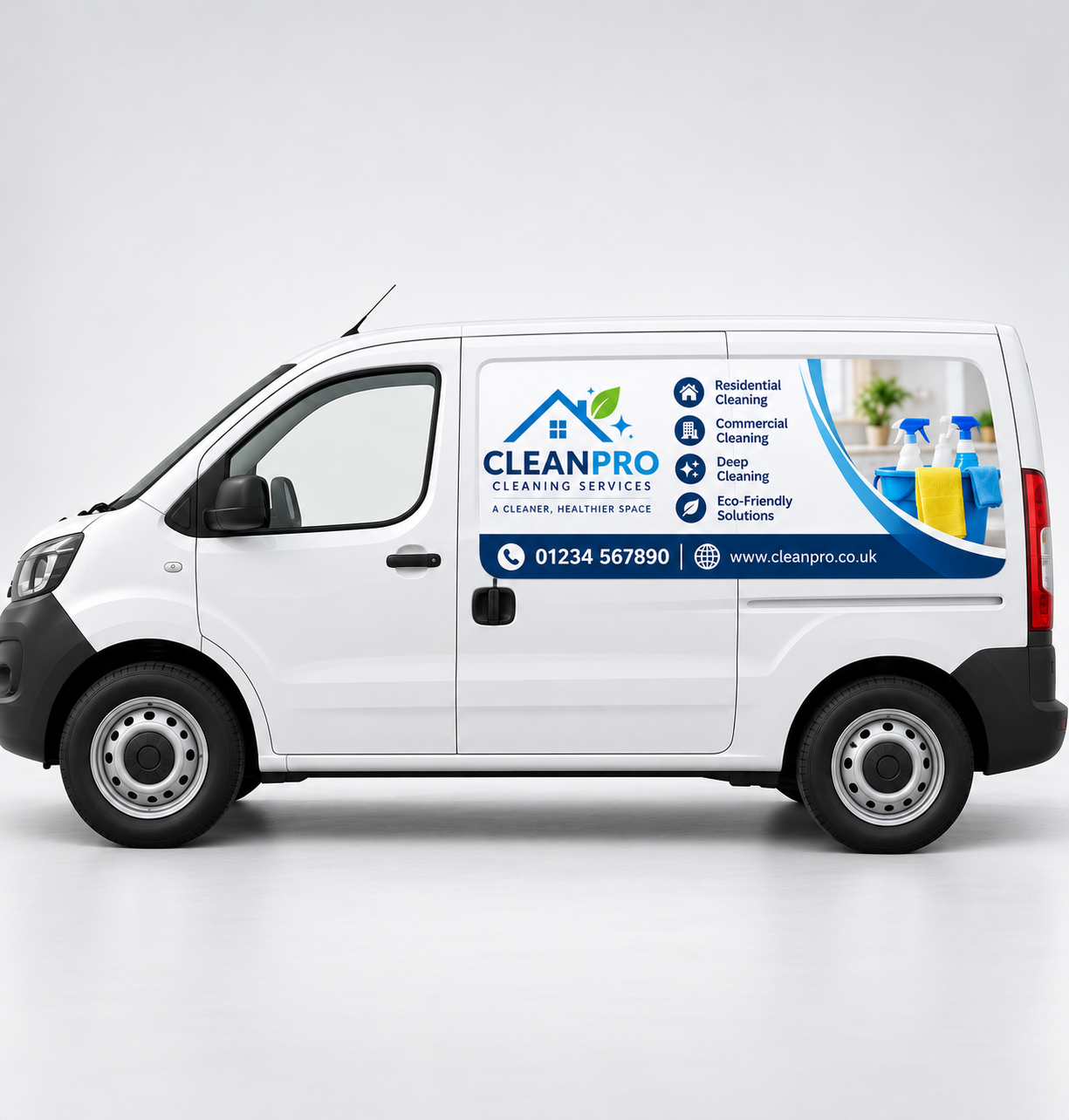
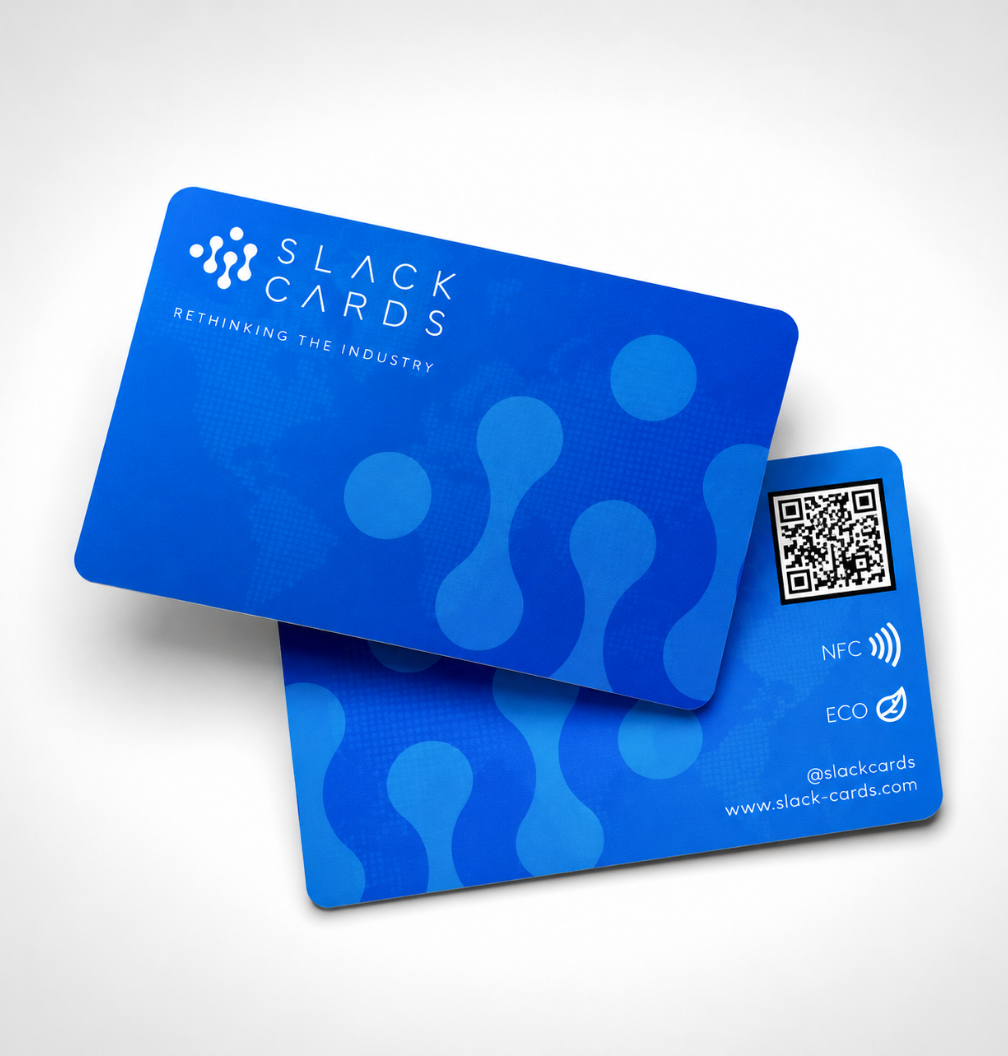

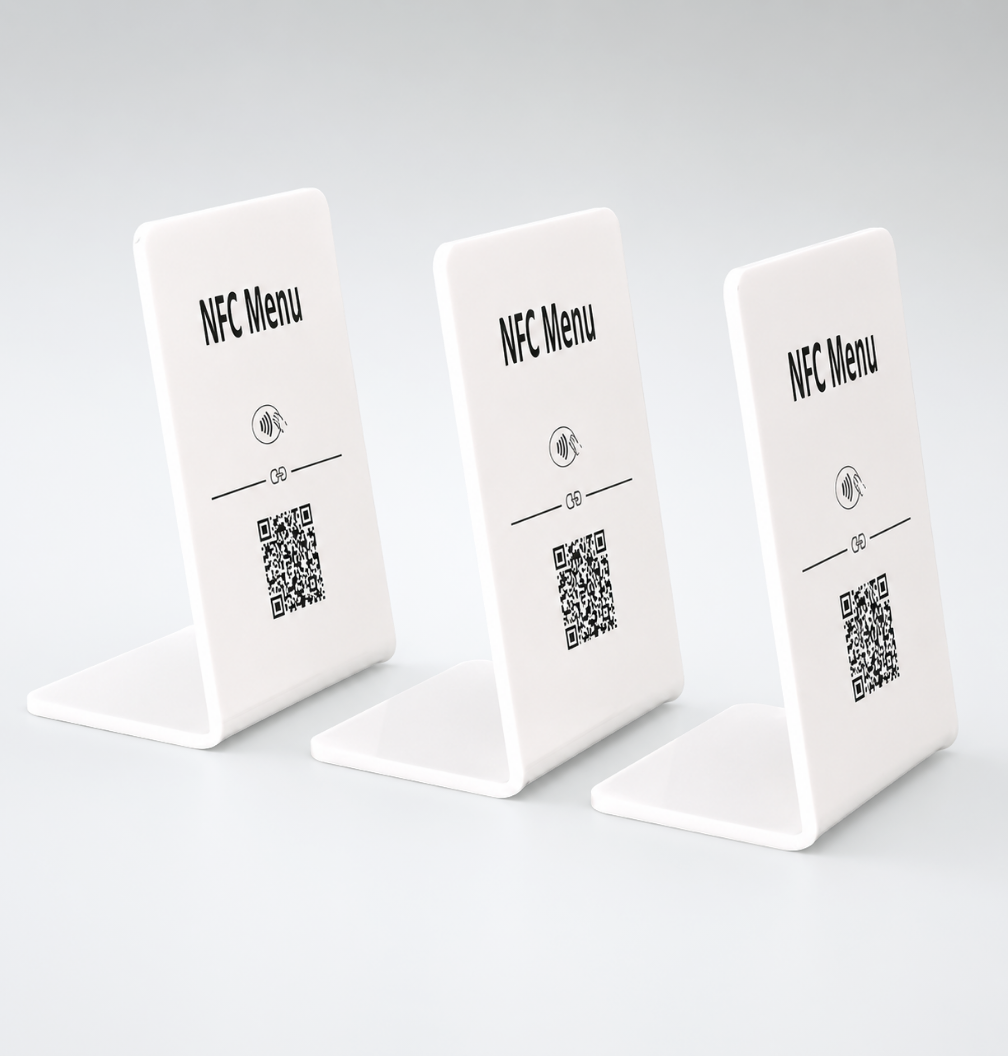
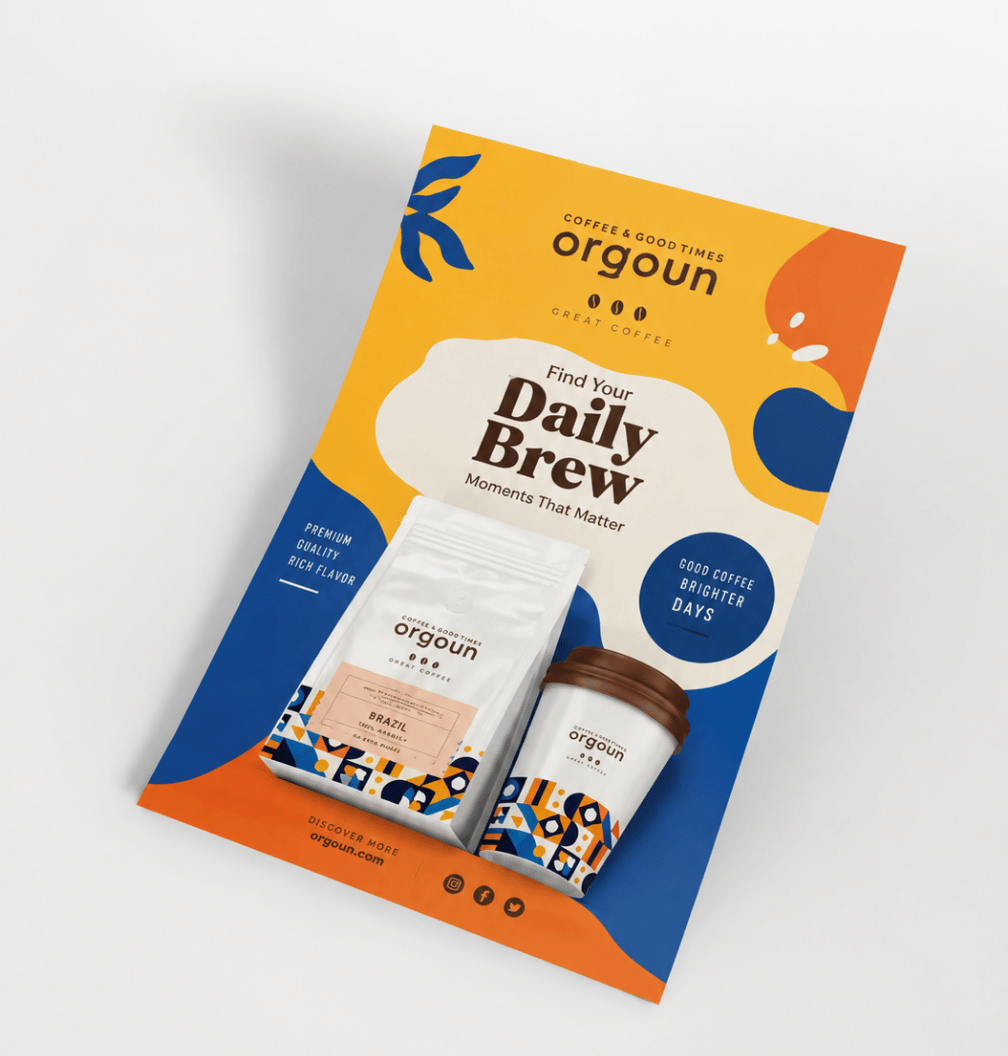
Good artwork set-up is the difference between a sharp, professional print and one with white edges, blurry photos or text cut off at the trim. You do not need to be a designer to get it right – just follow this checklist.
Set your document to the finished size you are ordering, then add 3mm bleed on every edge. Bleed is extra background that runs past the trim line, so that when the print is cut there is no thin white line around the edge. If your background is a colour or a photo, it must extend into the bleed.
The easiest way to get this right is to use the free PDF template on the product page – it already shows the bleed and safe area for your size.
Keep important text, logos and phone numbers at least 3mm inside the trim line. Cutting is extremely accurate, but keeping a safe margin means nothing important is ever too close to the edge.
For sharp results, images should be 300 dpi at the size they will be printed. A photo that looks fine on screen can look blurry in print if it is too small. Images taken from websites or social media are usually too low resolution – use the original photo or logo file where possible. For very large items such as banners viewed from a distance, a lower resolution is often fine – ask us if you are unsure.
Printers use CMYK inks (cyan, magenta, yellow and black), while screens use RGB light. Bright RGB colours, especially neon greens and blues, can look slightly duller in print. Designing in CMYK gives you a more accurate idea of the final colours.
Before you upload, check spelling, phone numbers, email addresses and dates – these are the most common mistakes. Then upload your file on the product page when you order.
Every file is checked by our team before printing, and if we spot a problem we will contact you first. Do not have artwork yet? Our team can help you design it – tell us what you need.
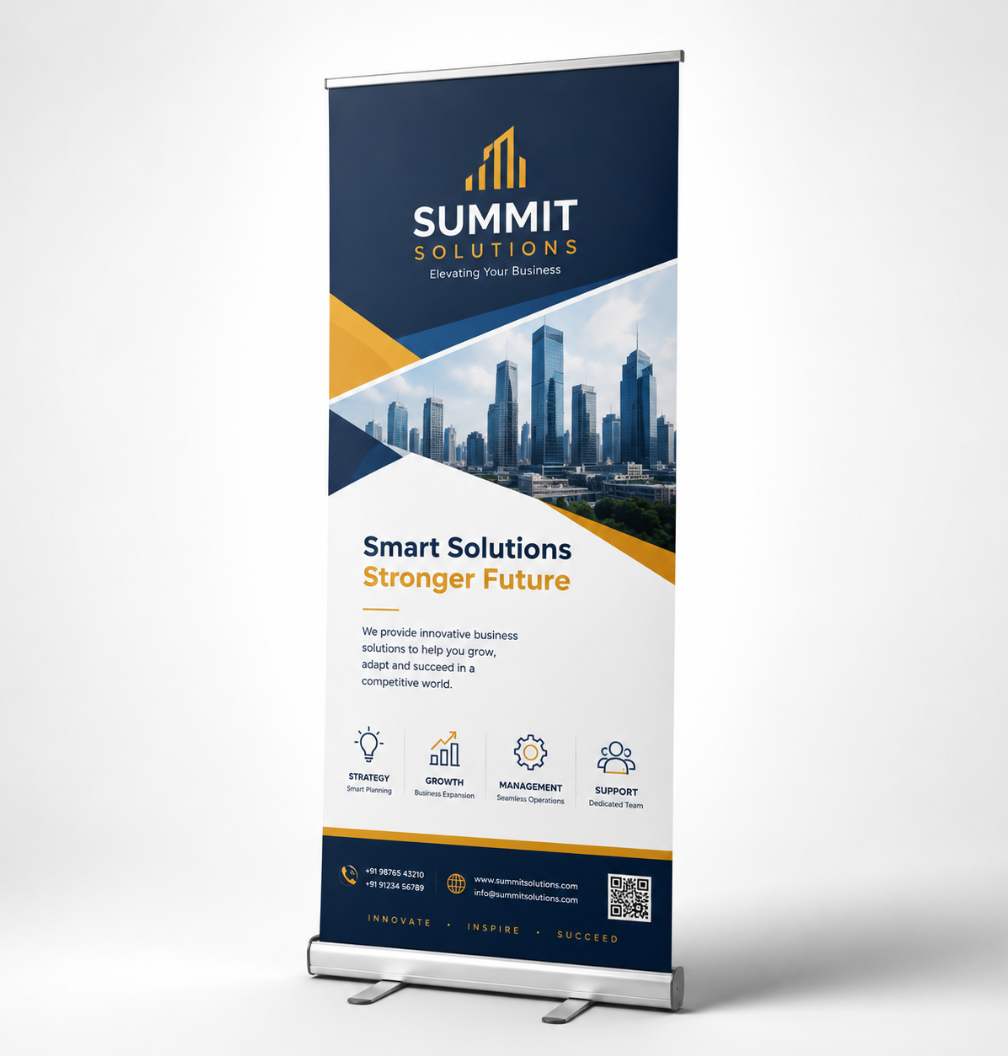
Not sure which banner to order? We explain the difference between PVC, mesh and roller banners, where
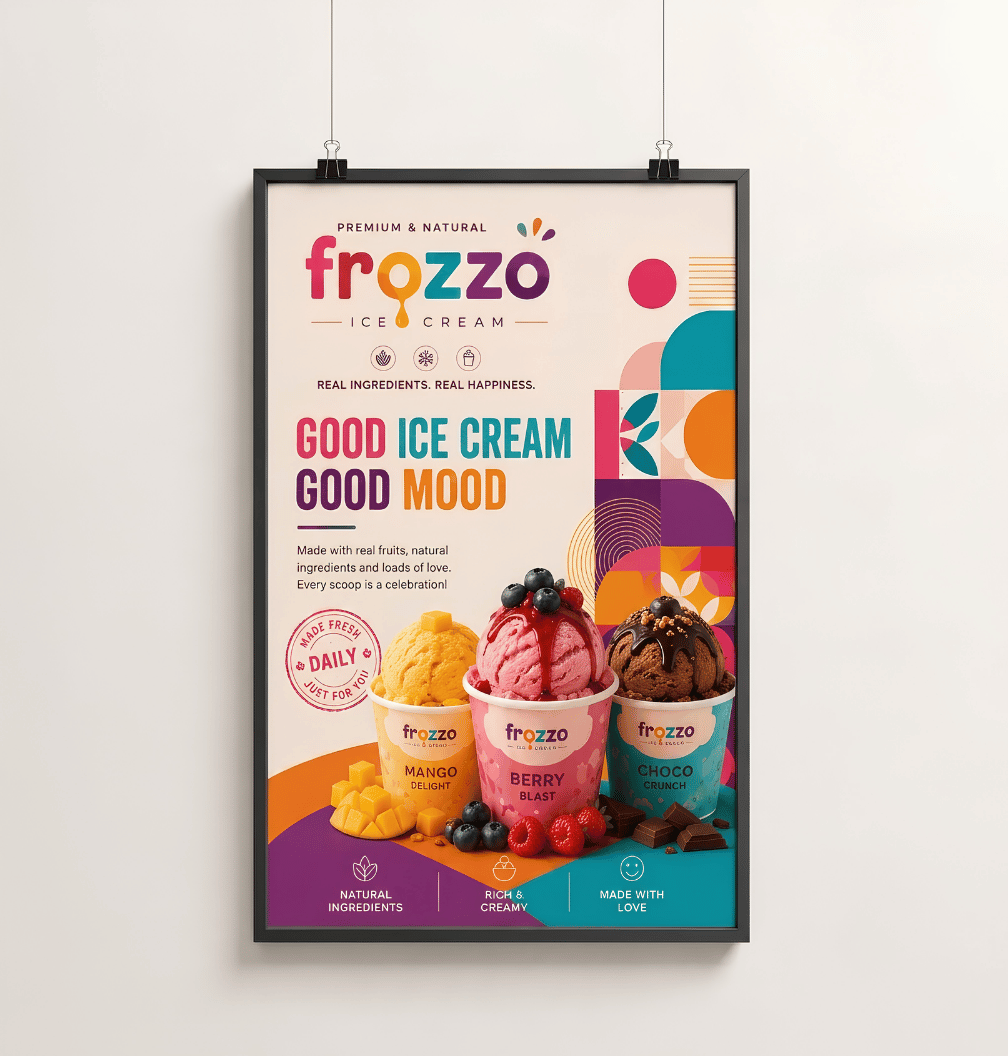
A quick guide to A-series poster sizes in millimetres and inches, and which size works best for windows,
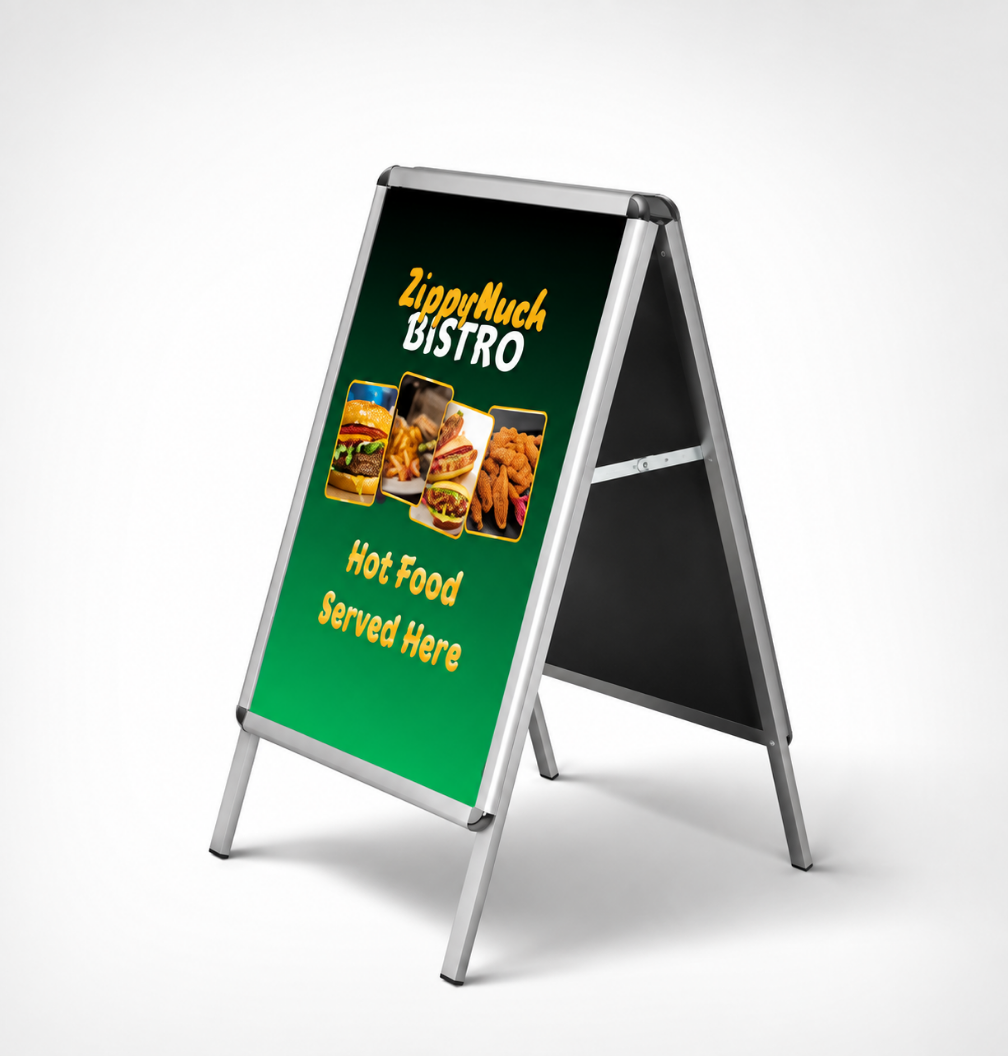
Simple, affordable print ideas that help local businesses in Falkirk and beyond attract more customers